
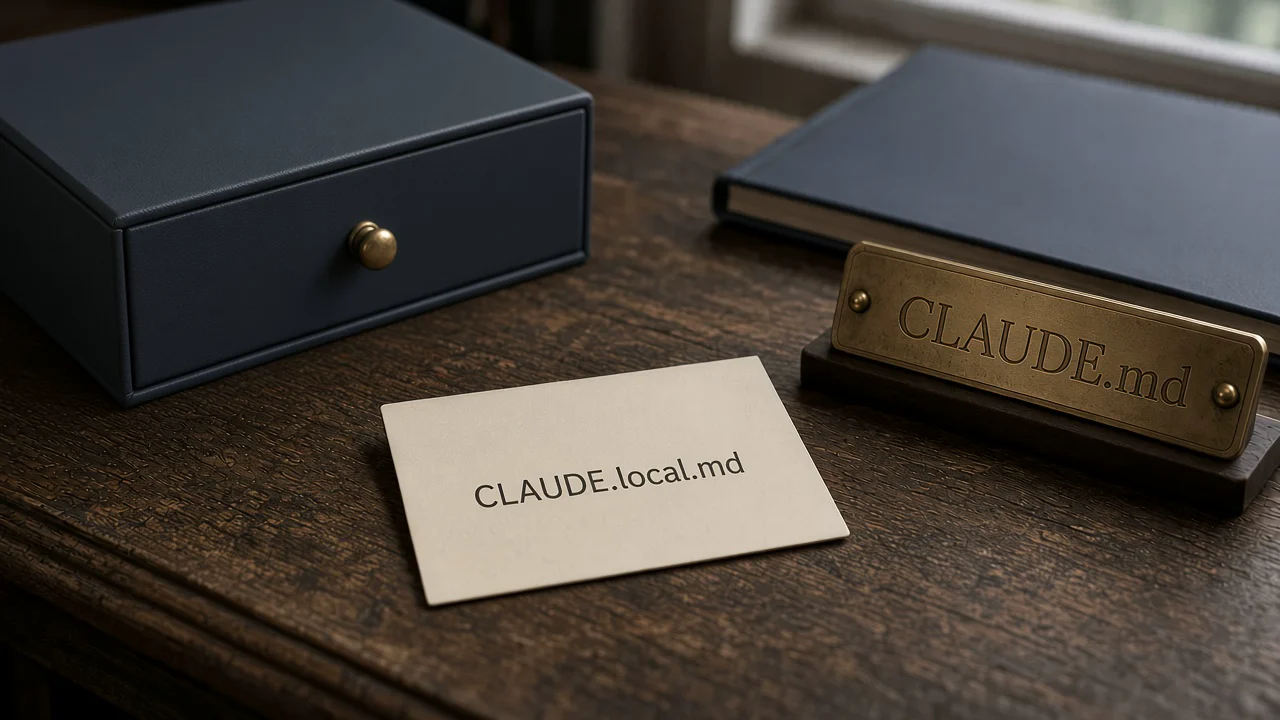
The annoyance
I put my staging URL and the test customer I always use into CLAUDE.md so Claude would stop asking. The next pull request carried both into the shared file. A teammate inherited my sandbox. The time after that, someone else's token nearly went in with the conventions.
I had the usual suspects. A file I meant to keep local. A review that looked at the diff and missed the host. A habit of treating every instruction as project instruction because the filename is the one I already edit.
It is not a parse miss. The committed file is the team contract. My staging host is not.
What Anthropic actually says
The official How Claude remembers your project page splits the two files in the location table. Local instructions are a different row:
Location:./CLAUDE.local.md
Purpose: “Personal project-specific preferences; add to .gitignore”
Use case: “Your sandbox URLs, preferred test data”
Shared with: “Just you (current project)”
Project CLAUDE.md is the opposite job. Official text:
“These instructions are shared with your team through version control, so focus on project-level standards rather than personal preferences.”
The import section names the local file as the private counterpart, and it names the setup path:
“For private per-project preferences that shouldn't be checked into version control, create a CLAUDE.local.md at the project root. It loads alongside CLAUDE.md and is treated the same way. Add CLAUDE.local.md to your .gitignore so it isn't committed. With CLAUDE_CODE_NEW_INIT=1 set, running /init and choosing the personal option does this for you.”
Load order is not a guess either. Local notes come after the shared file at that directory:
“Within each directory, CLAUDE.local.md is appended after CLAUDE.md, so your personal notes are the last thing Claude reads at that level.”
The fix
Two files. One line in .gitignore.
CLAUDE.local.mdThen a minimal CLAUDE.local.md at the project root. Keep team facts out of it. Keep hosts, preferred fixtures and personal workflow in:
## Local only
Do not commit this file.

- Staging API: https://staging.local.test/v1
- Preferred test customer: ACME-LOCAL-001
- I review diffs in the terminal, not the IDE source-control pane.
That is the same split as the CLAUDE.md diet: facts that are always true for the team stay short and committed. The rest stays off git. If you would rather not write the file by hand, set CLAUDE_CODE_NEW_INIT=1, run /init, and choose the personal option. Official docs say that creates it and ignores it for you.
If you work in more than one worktree, a gitignored local file only exists where you created it. The same page says to import a file from your home directory instead.
Prove it
/memory lists locations. It does not prove the local file is in this session. Official text:
“The /memory command lists your CLAUDE.md, CLAUDE.local.md, and other memory file locations across user and project scopes, including user and project CLAUDE.md entries for files that don't exist yet.”
“To check which files actually loaded into the current session, run /context.”
# In-session: /memory
# Confirm CLAUDE.local.md is listed under project local instructions.
# Then /context
# Check Memory files. Both ./CLAUDE.md and ./CLAUDE.local.md should appear.
# If the local file is missing from /context, it is not in this session.
Checklist
- Keep team facts in project-root
CLAUDE.mdor.claude/CLAUDE.md. - Put sandbox URLs, preferred test data and personal prefs in
./CLAUDE.local.md. - Add
CLAUDE.local.mdto.gitignore. - Or set
CLAUDE_CODE_NEW_INIT=1, run/init, and choose the personal option. - Run
/contextand confirm both files under Memory files.
Why it fails
I treat every instruction as a project instruction. The names are almost the same. The committed file looks finished. The sharing contract is not the same. Same family as nested CLAUDE.md never loads at start — the file is in the tree, and the documented place, or the documented audience, is a different one. Claude Code ignores AGENTS.md is the other silent miss in this series: the file is present, /context does not list what you expected, and nothing throws.
If you want to run this with other operators rather than on your own, we are doing that in the public Skool community, and that is https://www.skool.com/navaigate.
Sources
From idea to operation
Make the next AI decision concrete.
NavAIgate helps leadership teams identify high-value AI opportunities, prove them safely and turn the winners into working systems.