The annoyance
I have been standing up specialist Bots that actually finish jobs. The useful ones get opinions, memories, plugins, and a way of working. Sharing one used to feel like handing over the kitchen. Either you leaked the house, or you refused to share and the next operator started from zero.

What Matt actually shows
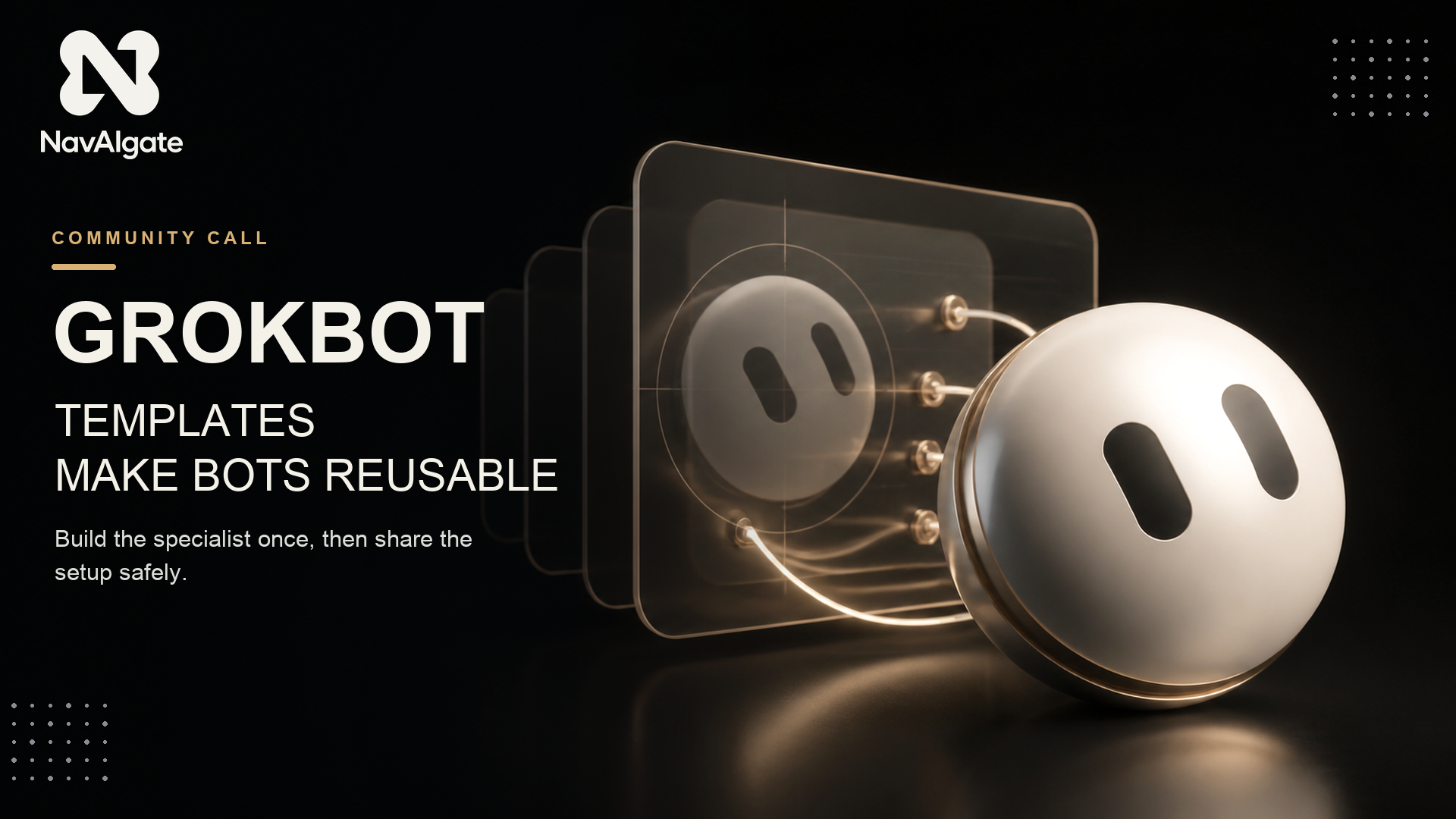
Matt Palmer walks through the Templates UI in Grok Bot. Settings has a Share as template button. Clicking it does not make the Bot public. You get an unpublished template first: an anonymised private version. You can view details — context, memories, integrations — before you publish. Then you choose public or team only. Publishing gives a link.
The recipient opens the link, reviews it, clicks Add to Grok Bot, then Add to bot. They get a new independent copy on their account. Plugins have to be reconnected. Non-standard MCP servers, custom scripts and custom code are not in the pack.
Matt’s line is the one that sticks: a template is a recipe, not the meal. They recreate it in their own kitchen.
That is why this is powerful. A working operator setup becomes a single reviewable link. Not a forty-page SOP. Not a screen-share. The other person gets their own Bot, on their account, with their computer and their logins.
Official docs still title this “Share a Bot”: open the Bot, copy a share link, the recipient previews on x.ai and can Add to Grok Bot. Matt’s walkthrough is the Templates UI on that same copy model.
What official docs already said
From xAI’s Create and manage Bots, under Share a Bot:
“The link is public. Anyone who has it can view the Bot's shared configuration, including its identity, description, skills, and routines. Remove API keys, internal URLs, customer data, and anything else you would not put in a public document before you share.”
“Adding a shared Bot creates a copy on the recipient's account. It does not give them your computer, logins, or conversation history.”
What travels: instructions, transferable memories and skills, and the first-party plugins and connectors that already exist in Grok Bot. What does not: secrets, custom code, custom scripts, custom MCP servers, and — by default — personal or internal memories. The Bot decides what to keep. Recipients reconnect plugins. The new Bot will look a little different. That is the design.
Grok Bot is included with SuperGrok, Cursor Pro, and Cursor Teams plans.
The catch
The cool thing and the dangerous thing are the same link. Official docs: the link is public and exposes the Bot’s shared configuration. Matt’s rule: evaluate a template the way you evaluate a skill or a package. Read the details. Then add it. Same discipline as deciding what to automate: do not install a workflow you have not read.
The fix
If the Bot is coupled to Cursor, needs an API key, or talks to a custom MCP server, the default pack will strand the next person. Before you publish, ask the original Bot to write the setup into the template.
Before you publish this as a template, pack a setup path a stranger could follow.

Include, in the template itself:
- which first-party plugins they must connect, and in what order
- which logins they have to complete on their own computer
- any API keys or MCP servers that do not travel with the template
- the first three things they should say to the new Bot after Add to Grok Bot
- what to check before they trust it with a real job

Leave out anything personal, internal, or secret. If a memory only makes sense for me, drop it.

Then show me the unpublished template details so I can review context, memories and integrations before I publish.
Publish after you have read those unpublished details. Team-only if the Bot is only useful inside the company. This is how a roster scales past the person who built it — same idea as standing up the first NavBot, and the same bet as initiative: the advantage is a working setup someone else can run.
If you want to run this with other operators rather than on your own, we are doing that in the public Skool community, and that is https://www.skool.com/navaigate.
Sources
From idea to operation
Make the next AI decision concrete.
NavAIgate helps leadership teams identify high-value AI opportunities, prove them safely and turn the winners into working systems.