
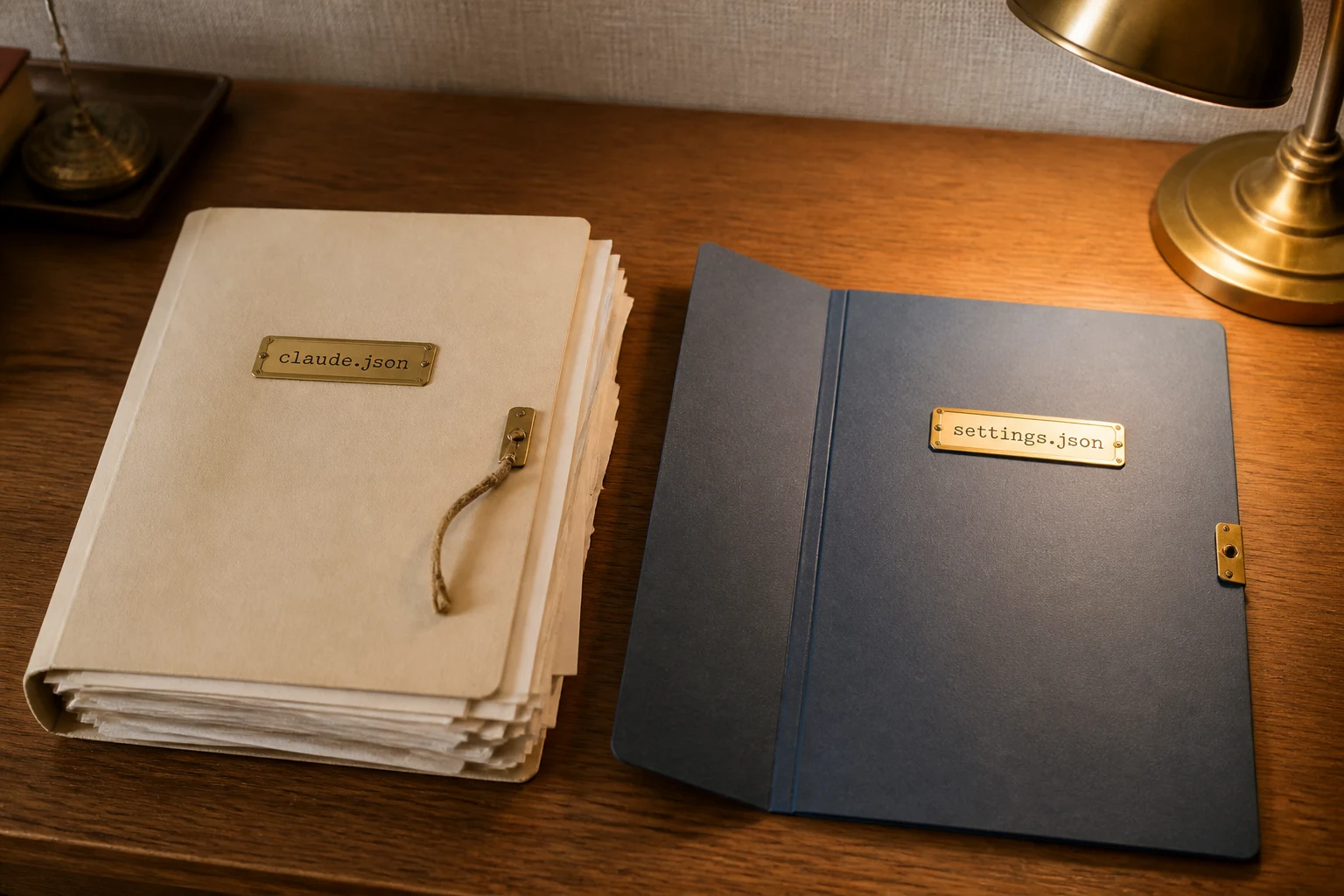
The annoyance
I put permissions in ~/.claude.json because the filename sounds like the place for Claude settings. Hooks went in next. Then env. The JSON is valid. Nothing throws. The deny rule never applies. The hook never fires. The environment variable is not there.
I had the usual suspects. A stale CLI. A project file overriding me. A deny pattern that did not match. Then I opened ~/.claude/settings.json and the file was empty, or missing. The papers had gone in the other folder.
The trap is easy. I already open ~/.claude.json for MCP servers and for whatever /config wrote last. Adding one more object looks like the same job. It is not.
What Anthropic actually says
From the official Debug your configuration page, common-causes table:
Symptom: “Permissions, hooks, or env set globally are ignored”
Cause: “Configuration was added to ~/.claude.json”
Fix: “~/.claude.json holds app state and UI toggles. permissions, hooks, and env belong in ~/.claude/settings.json. These are two different files.”
The Settings page is the same split. Claude Code keeps ~/.claude.json for itself:
“Claude Code also keeps a fifth file, ~/.claude.json, that it writes for itself; you don't need to edit it. It holds your sign-in session, MCP server configurations, per-project state such as trust decisions, and the global config keys that /config writes for you.”
User settings that change behaviour live in ~/.claude/settings.json. From the settings-files table:
Who it affects: “You, in every project on this machine”
Use it for: “Personal preferences: theme, editor mode, default model, your own permission rules”
Two files. Two jobs. The familiar name holds app state. The settings file holds the rules.
The fix
The wrong shape is the one I keep finding. It is valid JSON. It is the documented key. In ~/.claude.json it does nothing:
{
  "permissions": {
    "deny": [
      "Read(./.env)",
      "Read(./.env.*)"
    ]
  }
}
Put the same deny rules in the user settings file. This is the official schema shape, cut down to the one thing I want standing: do not read .env files.
{
  "$schema": "https://json.schemastore.org/claude-code-settings.json",
  "permissions": {
    "deny": [
      "Read(./.env)",
      "Read(./.env.*)"
    ]
  }
}
Hooks and env are the same move. They go under those keys in ~/.claude/settings.json, or in a project settings file if the scope is the repo. They do not go in ~/.claude.json.
Prove it
Official check after the file exists:
“Run /status inside Claude Code to confirm the file loaded; Confirm what loaded says what the Setting sources line shows and how a broken file is reported.”
Then run /permissions. The Read(./.env) deny should be in the resolved list. If you also moved hooks, run /hooks. If the file is broken, the terminal check is:
claude doctorclaude doctor prints installation and settings diagnostics without starting a session. If User settings never appears in /status, Claude never read the file. If it appears and the deny is still missing, the object is still in the wrong file.
Why it fails
I treat ~/.claude.json as the Claude settings file. For session state and MCP that is true. For permissions, hooks and env it is not. Same family as auto in project settings — the file looks correct, the name is the one you already edit, and the documented field is a different one. Claude Code ignores AGENTS.md is the other filename miss: the cross-agent file sits in the tree and never loads. Top-level additionalContext is the same class of miss: valid JSON, exit 0, and the documented nest is a different key.
If you want to run this with other operators rather than on your own, we are doing that in the public Skool community, and that is https://www.skool.com/navaigate.
Sources
From idea to operation
Make the next AI decision concrete.
NavAIgate helps leadership teams identify high-value AI opportunities, prove them safely and turn the winners into working systems.